Bot Builder in Spectra Charts — what it is and how to get started
Spectra Charts Bot Builder — what it is and how to get started
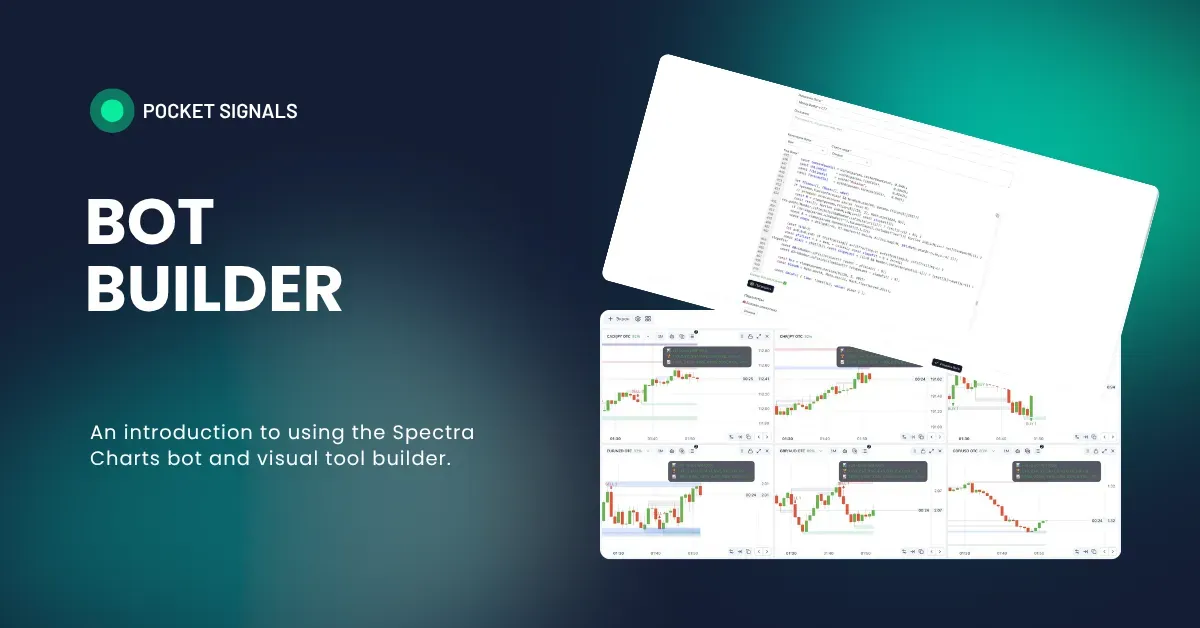
On our platform, every partner can create custom bots, visual drawings, indicators, and any trading tools built on candle-based calculations without volumes.
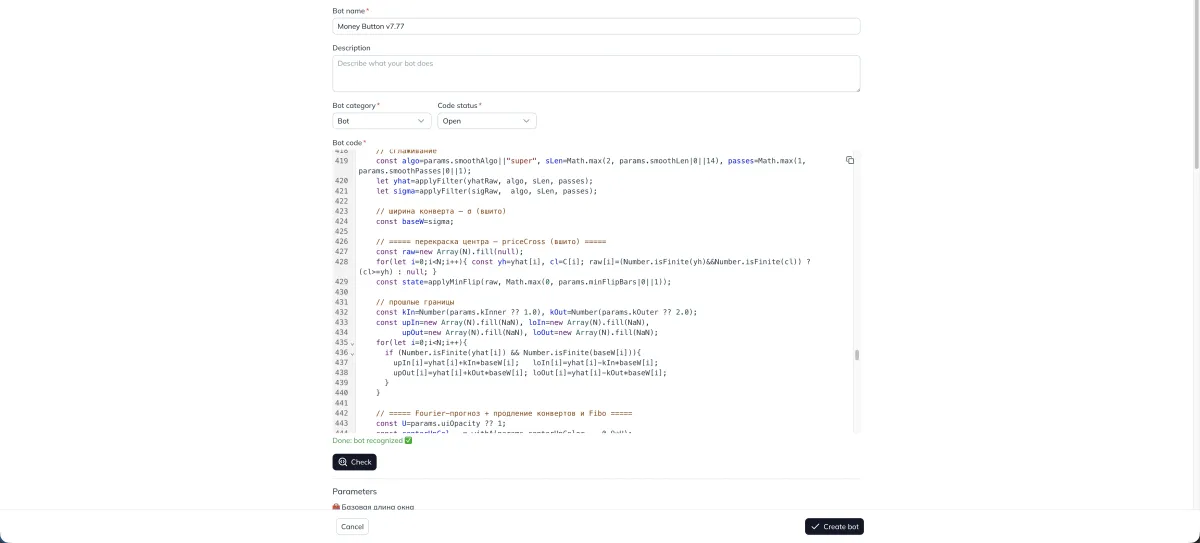
Before we move on to creating tools directly, let’s go over a short intro with core basics, observations, and advice. Starting with the next post, we’ll dive into how to create tools correctly.
Why bots are needed
This one is simple: bots help remove routine work and give you more time for quality trading, family, and life. We live in the 21st century, everything around us is automated and digitized, neural networks are part of everyday life, and robots are no longer unusual. So creating your own trading tools is an obvious step that helps with technical analysis.
What strategies you can build
Any strategies you want — the only rule is that they must not rely on volume data, because we simply don’t have it. Everything else can be implemented easily.
- You have your own trading strategy that finds entry points based on indicators. No problem — the AI will help, the main thing is to write a correct prompt and train the chat.
- You don’t want to use other people’s strategies and want to create something new using candles, indicators, or other data. That’s also fine — everything is doable as long as you write your prompt following the instructions in the upcoming posts. The AI will handle the rest.
Which neural network to use
We tested about a dozen neural networks for building trading tools, bots, and indicators, and only one matched all our needs and consistently produced high-quality results: Chat GPT 5 Thinking.
No matter what people online may claim, in practice this model worked best for our development scenarios. Others tended to break code. But if you have good experience with another model, feel free to use whichever one works best for you.
Important about subscription plans
The free version of Chat GPT is noticeably weaker than the paid one and is heavily limited in message count. That’s why we recommend switching to the $20/month paid plan. For users in Russia, with intermediaries, it may cost up to $30. The paid plan provides stable performance and reduces the risk of losing context.
Where to get the paid version of Chat GPT (relevant for Russia)
There are several ways to access the paid plan. Below are examples. You can use any method that’s convenient for you.
- Different payment options will be suggested below (not an advertisement)
1) Purchase through a digital marketplace
GGSell: https://ggsel.net/search/ChatGPT
Key tips for purchasing:
- Choose services where you pay for access on your own account or buy a separate account for 1 month.
- Don’t buy cheap plans with API access — those are for developers.
- Don’t buy mass-shared accounts. Yes, they’re cheaper, but often up to 10 people use the same account, and there’s a risk someone may delete your chats or read your conversations. If privacy matters to you, avoid this option.
2) Payment through intermediaries
We personally use this service: https://oplatazabugor.ru/
They are intermediaries for paying foreign services and take a small commission for each transaction.
How it works:
- Contact their Telegram support and specify which service you want to pay for (link available on their website).
- Tell them you’re paying for the first time and ask for assistance.
- They’ll tell you the payment options and the exact amount to transfer.
- After payment, they’ll either provide you with a bank card to pay for the subscription or pay for it on your behalf. After that, you’ll receive access to the paid plan.
3) Prepaid virtual card
QIWI: https://qiwi.com/cards
(Similar options are available from MTS and other providers.)
- Create a card and deposit the required amount.
- After receiving the card details, use it to pay for subscriptions on foreign platforms.
4) Any other legal method
You can choose any legal and convenient option. These examples show that solutions always exist, as long as you want them.
Summary
This was an introductory post about the Bot Builder for binary options using Spectra Charts. In the upcoming articles, we’ll move on to practical creation of fully working trading tools without any coding knowledge. You’ll see how to turn a text description into a bot, debug signals, and adjust parameters to match your trading style.
The key is a clear prompt, discipline, and testing on demo before trading with real money.
Creating a signal bot in Spectra Charts with BUY and SELL labels
Step-by-step guide: how to train ChatGPT, insert a ready-made bot skeleton with visual analytics, write signal logic, and create BUY/SELL labels in Spectra Charts.
Spectra Charts — overview of the platform and all its features
Complete guide to Spectra Charts: what this tool is, how screens are structured, bulk actions, settings, the bots and indicators catalog, adding tools to the chart and managing them.