Complete overview of the Pocket Option platform — a beginner’s guide
Pocket Option is a modern, convenient, and multifunctional trading platform for binary options. It combines a simple interface, built-in training materials, dozens of analysis tools, bonuses, tournaments, and unique features such as crystals and an internal savings vault.
If you are just starting — this is one of the most comfortable platforms for beginners.
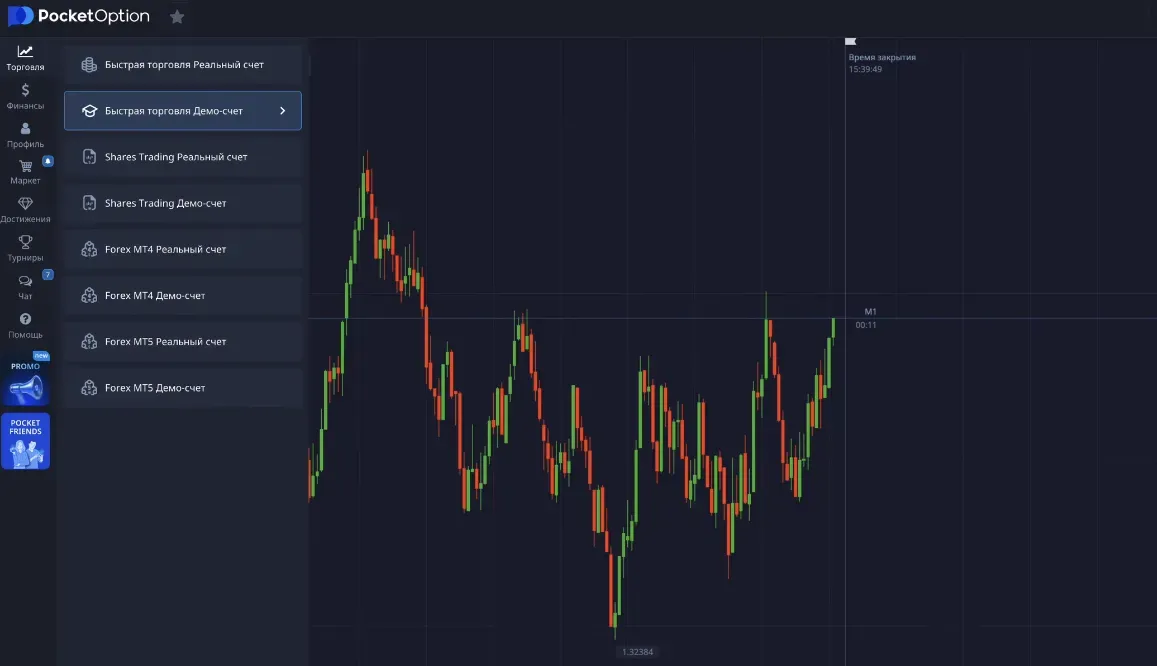
1. Start with the demo account
After registration, enable the demo account — the switch is located in the top panel next to the real balance.
On the demo account you can:
- practice without risk,
- try different strategies,
- explore the interface and trading logic.
2. The “Finance” section
This section contains all financial operations:
- deposits and withdrawals,
- transaction history,
- cashback,
- crystal system.
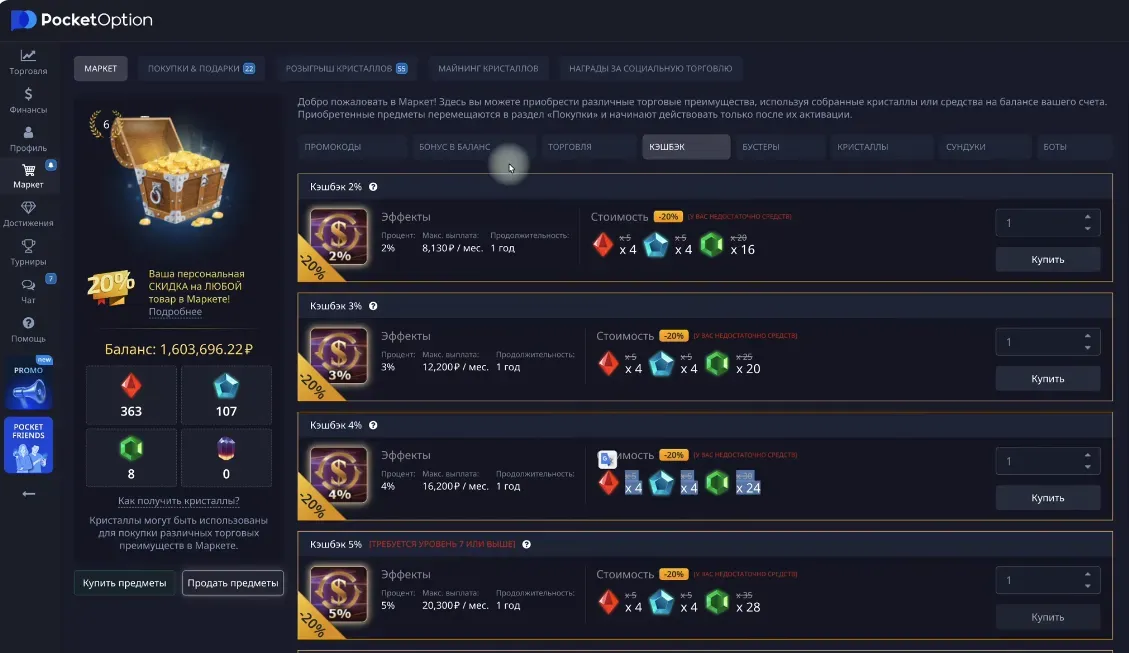
Cashback and crystals
Pocket Option awards crystals for activity. They can be used for:
- risk-free trades (Ultrade);
- canceling losing trades;
- receiving cash bonuses to your balance.
Cashback can be purchased for crystals and provides a percentage return for a year.
3. Promo codes and bonuses
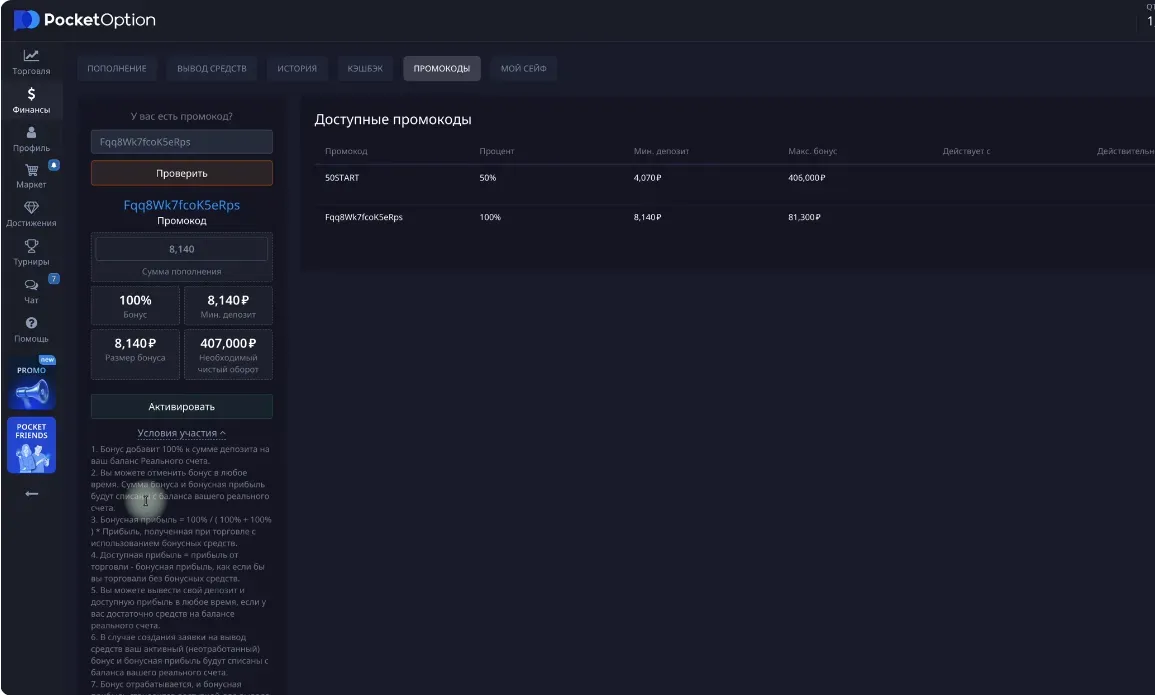
The platform often runs promotions with deposit bonuses.
Example:
- You deposit $100
- You receive another $100 as a bonus
Conditions:
- to withdraw the bonus — you must generate a turnover of x50 the bonus amount (a 5000$ turnover, where any trade counts, both positive and negative).
4. My Safe
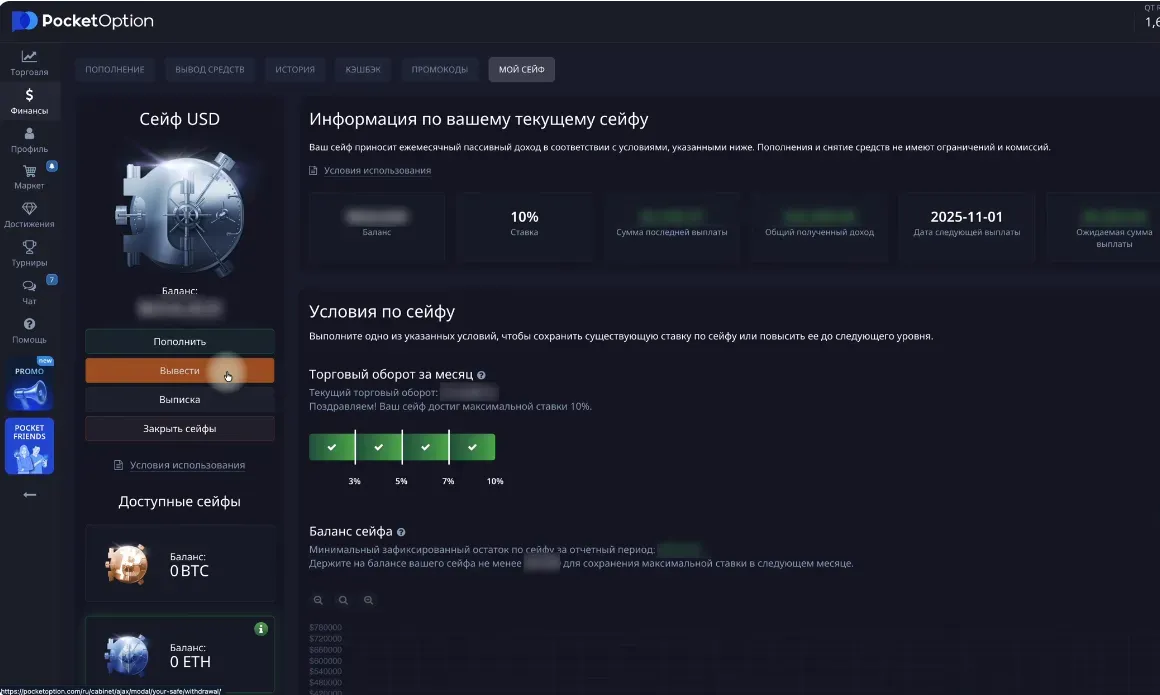
The “Safe” section is an internal wallet with annual interest accrual. It is suitable for those who keep a large balance and want passive income inside the platform.
Advantages:
- interest on the balance;
- money can be withdrawn at any time;
- losses can be compensated.
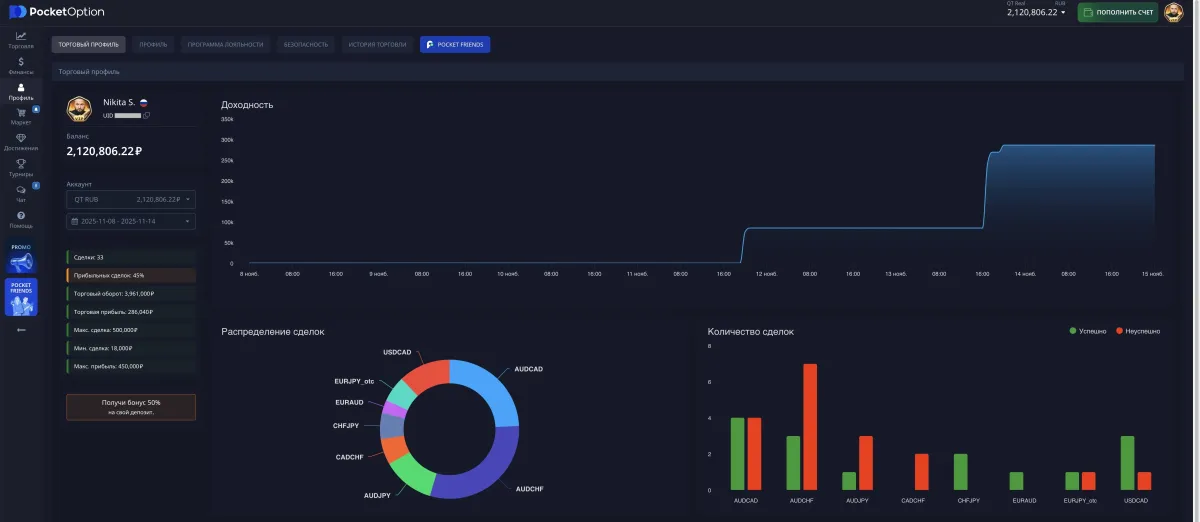
5. Profile and statistics
Here you can see:
- percentage of profitable trades;
- total trading turnover;
- equity curve;
- activity by time.
Analyzing statistics helps identify mistakes and improve your strategy.
6. Loyalty program
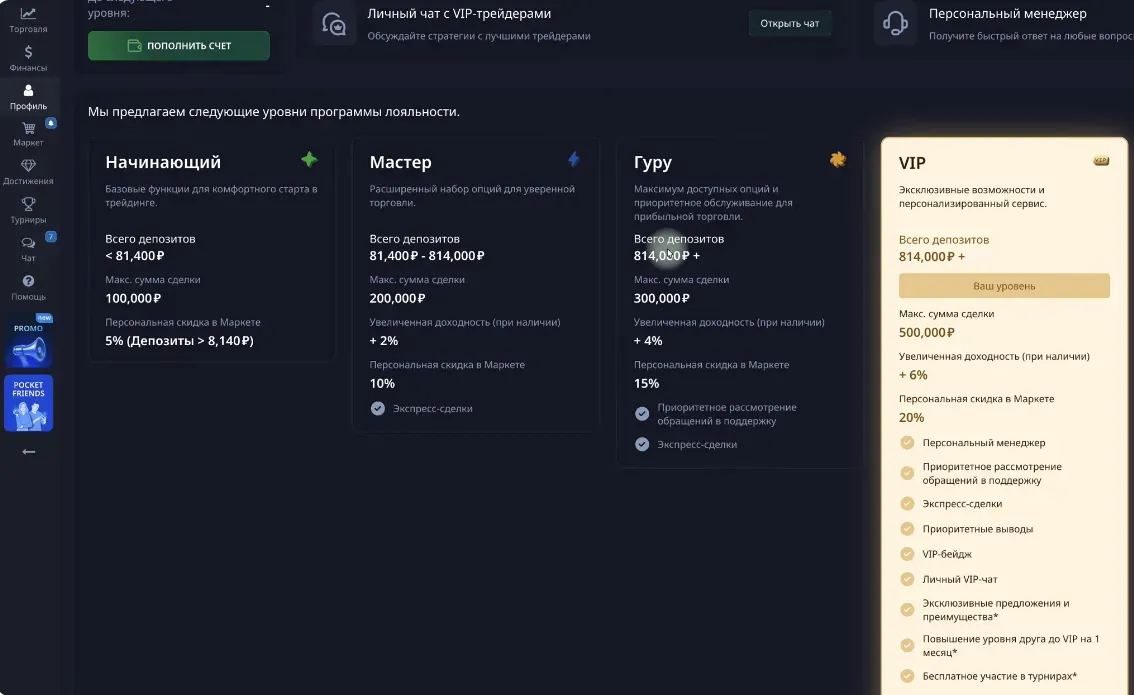
Pocket Option has levels:
Beginner → Master → Guru → VIP → VIP Elite
Each level provides benefits:
- increased trade profitability (up to +6%),
- additional bonuses,
- personal manager,
- VIP chat access,
- discounts in the market.
7. Tournaments
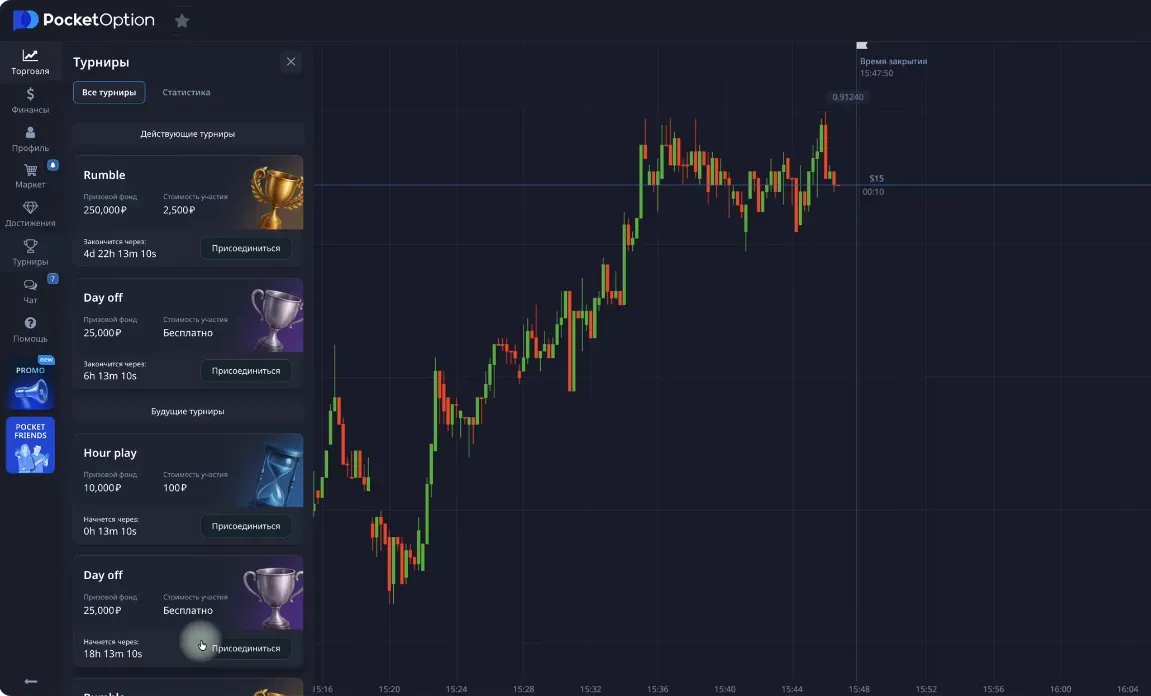
Tournaments are a great way to practice without risk.
There are:
- free tournaments (with virtual money),
- paid tournaments with real prizes.
Prize pools — up to 25,000 ₽ and higher.
8. Main trading terminal
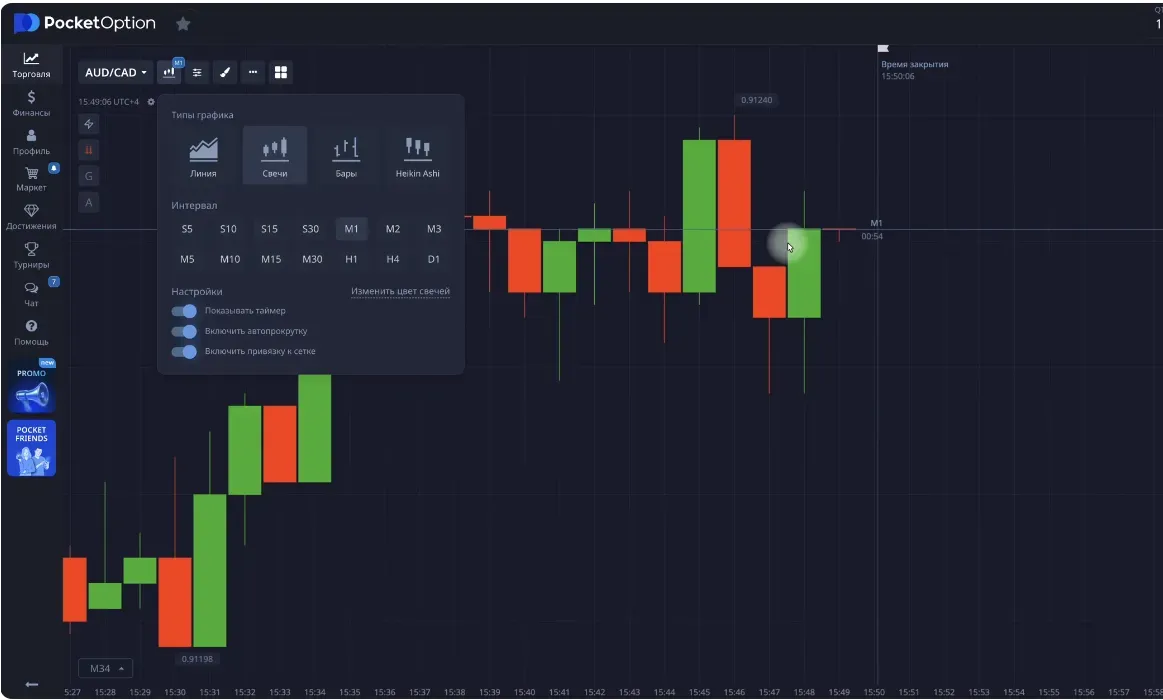
The main window is the trader’s workspace.
Functions:
- choosing an asset (crypto, currencies, stocks, commodities, indices);
- choosing chart type: candles, bars, lines, Heikin-Ashi;
- choosing a timeframe (from 5 seconds to 1 hour);
- analysis tools: levels, trend lines, shapes.
For binary options, candle chart (Candles) is used most often.
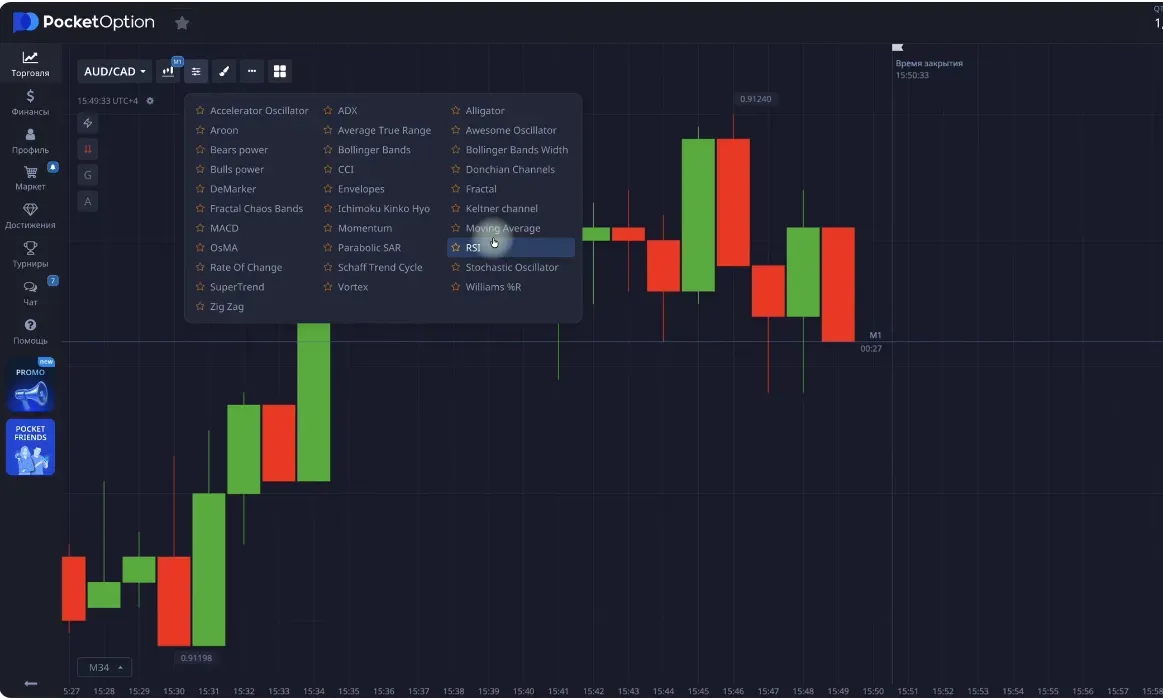
9. Indicators and oscillators
Pocket Option offers popular technical tools:
Indicators (on the chart)
- Bollinger Bands
- Keltner Channel
- Moving Average
- Parabolic SAR
- ZigZag
- Other indicators
Oscillators (in a separate window)
- RSI
- CCI
- Momentum
- Stochastic
- MACD
- Other oscillators
Parameters, colors, and display settings can be customized individually.
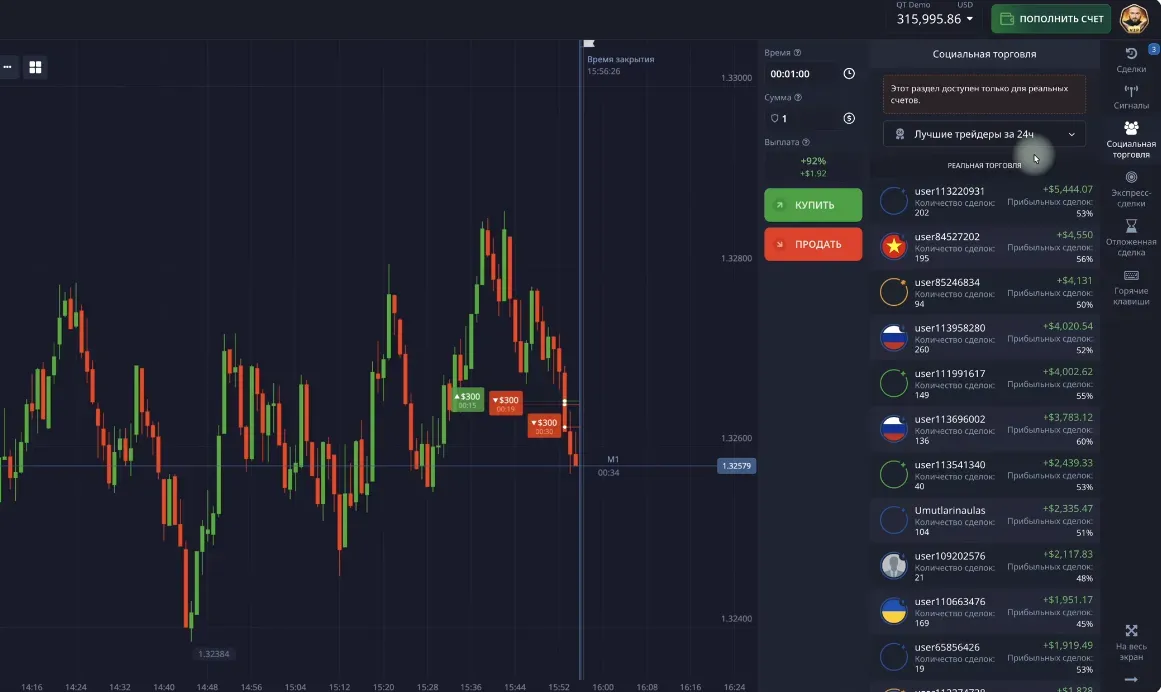
10. Social trading
You can watch and copy trades of other traders.
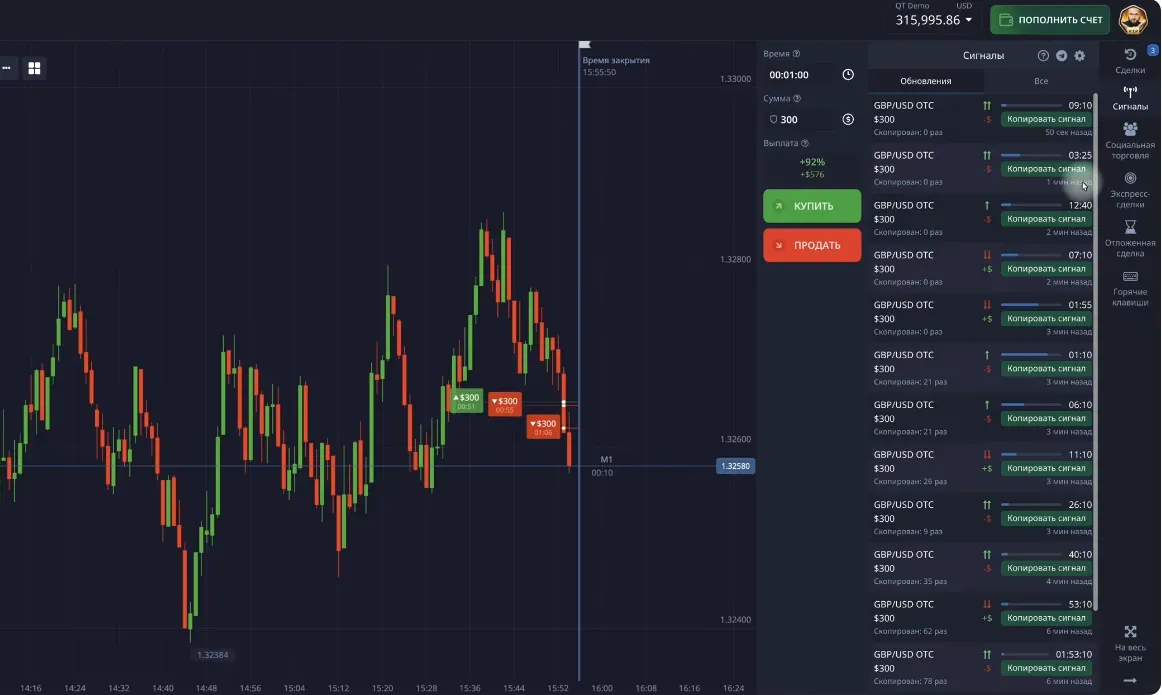
11. Trades and signals
This panel displays:
- open and closed trades,
- platform signals,
- express trades (with profitability above 100% and even above 1000% per trade),
- pending trades (automatic opening at a set price).
For safe testing — use the demo account.
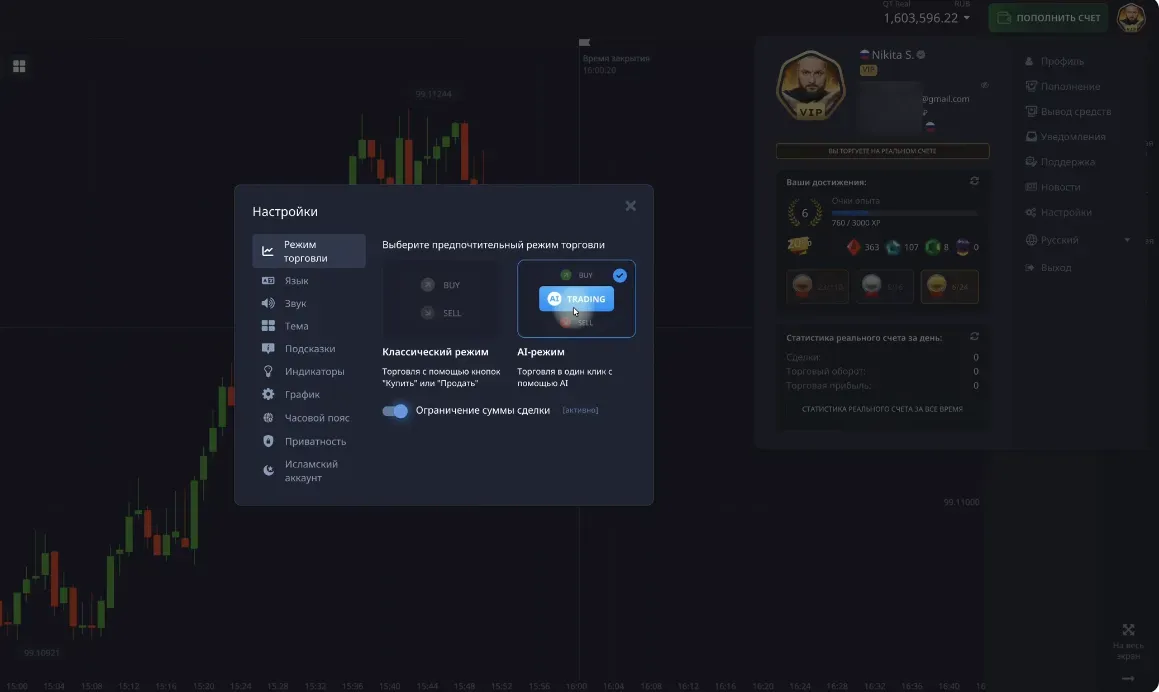
12. Platform settings
In the settings menu (accessible by clicking your avatar):
- switch theme (dark/light),
- change language,
- enable or disable notifications and sounds,
- choose time zone,
- enable Islamic account,
- test AI trading (use with caution).
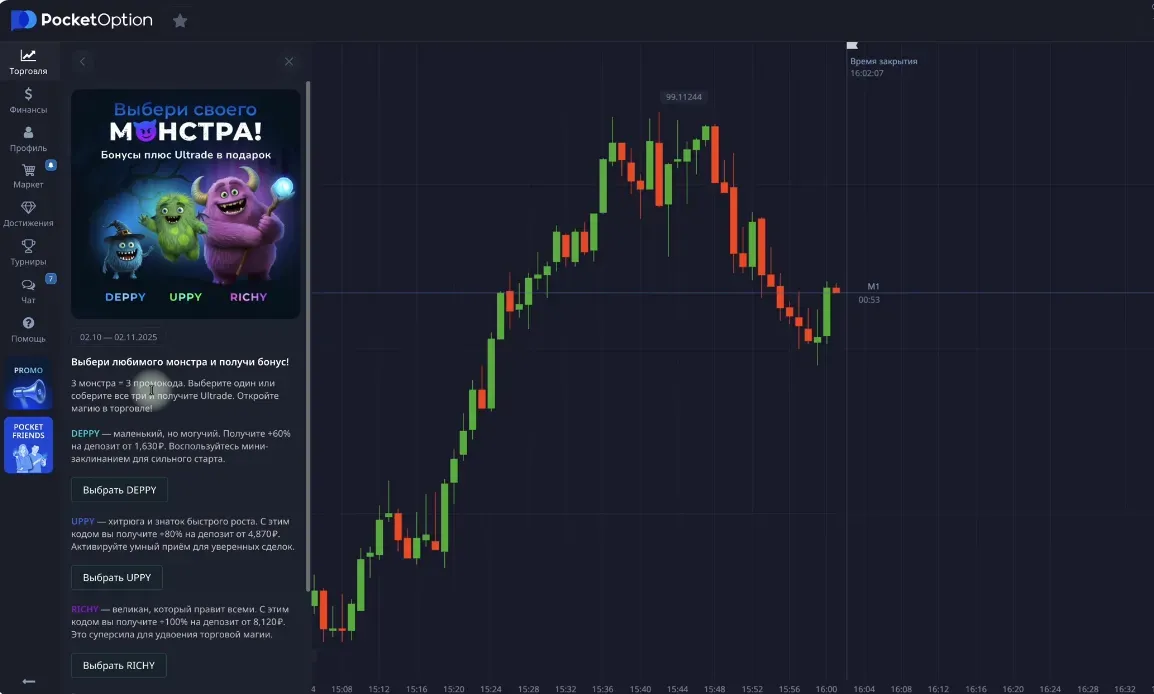
13. Promotions and referral program
Pocket Option regularly runs:
- promotions with +60%, +80%, +100% bonuses;
- the PocketFriends program — bonuses for inviting friends.
✅ Summary
Pocket Option is a full trading ecosystem that provides:
- analysis tools,
- training and statistics,
- bonuses and crystals,
- tournaments,
- safe demo mode,
- flexible interface settings.
Here you can:
- start with a demo account,
- learn the platform,
- move to real trading,
- grow to VIP level.
Guide to Japanese Candles: how to read the chart, understand price movement, and build levels
A detailed guide to Japanese candles for beginners: candle structure, timeframes, support and resistance levels, trends, ranges, and practical chart reading.
How to withdraw money from Pocket Option to the BingX exchange and exchange cryptocurrency for rubles
A detailed guide on withdrawing funds from Pocket Option in USDT TRC20 cryptocurrency to the BingX exchange and then selling via P2P to receive rubles on a bank card.